 Ride Mitra
From download to first ride in 2 minutes
Follow these steps once. After that, just open Rapido Captain, go online and let Ride Mitra do the tapping.
What happens when a booking arrives
- Rapido shows a booking. Ride Mitra reads the fare, pickup distance and ride distance from the screen.
- It checks your rules. Fare, distance, ₹ per km and working hours, exactly as you set them.
- Good ride? Accepted. It taps Accept in milliseconds. Not a match? It does nothing and logs why.
- Everything is logged. Open the booking log any time to see what happened.
Step by step
Download and install
Get the app from our download page and open the file to install it. If your phone asks, allow installing from this source.
Create your account
Open Ride Mitra and sign up with Google or your email. You can use the same login on this website to see your plan and buy plans.
Turn on Accessibility
Tap 1. Turn on Accessibility and switch on Ride Mitra in the list. This lets it read booking requests and tap Accept.
Switch greyed out? On Android 13 and newer: open phone Settings → Apps → Ride Mitra → ⋮ (top right) → Allow restricted settings, then try again.
Allow background running
Tap 2. Allow running in background and 3. Allow notifications. Also set the Rapido Captain app's battery usage to Unrestricted so Android doesn't pause it.
Choose a plan
Pick a plan in the app under Plans, or on our pricing page. It's activated on your account instantly.
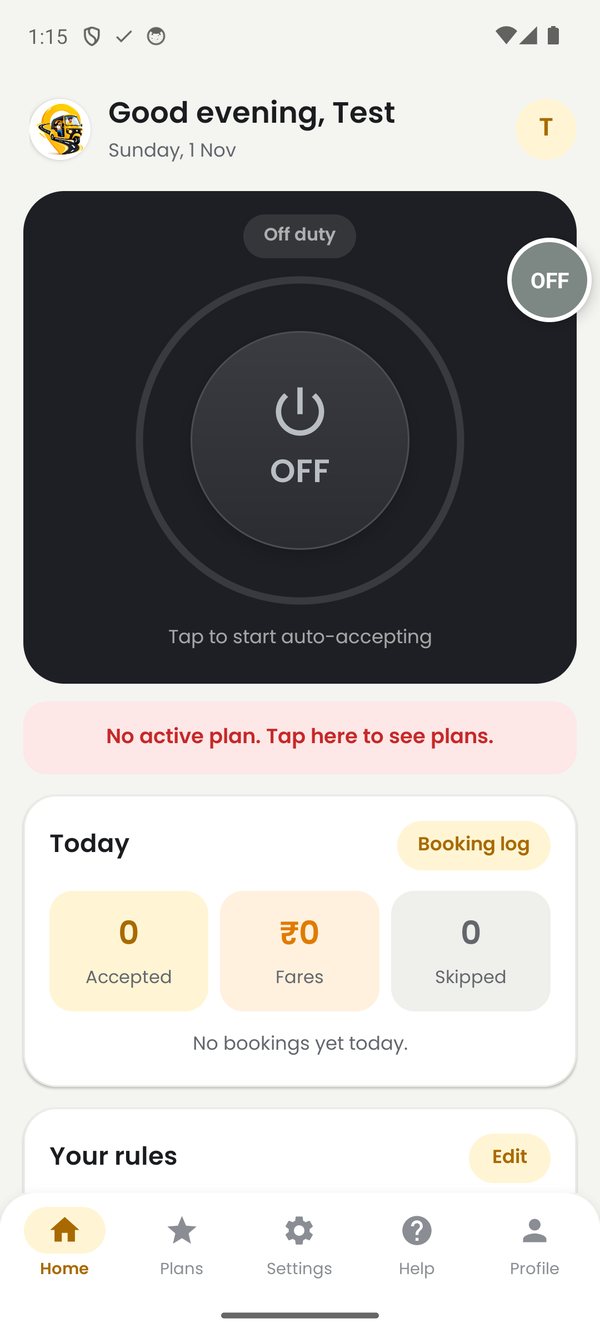
Set your filters and switch on
Set your minimum fare, pickup distance and other limits. They save automatically. Then tap the big power button so it turns green. Go online in Rapido Captain, and you're done.
Need a hand with setup?
Message us on Telegram and we'll guide you step by step.