 Ride Mitra
Get Ride Mitra
Download the app, install it, and sign up. Downloading is free. You only pay for a plan when you're ready to use auto-accept.
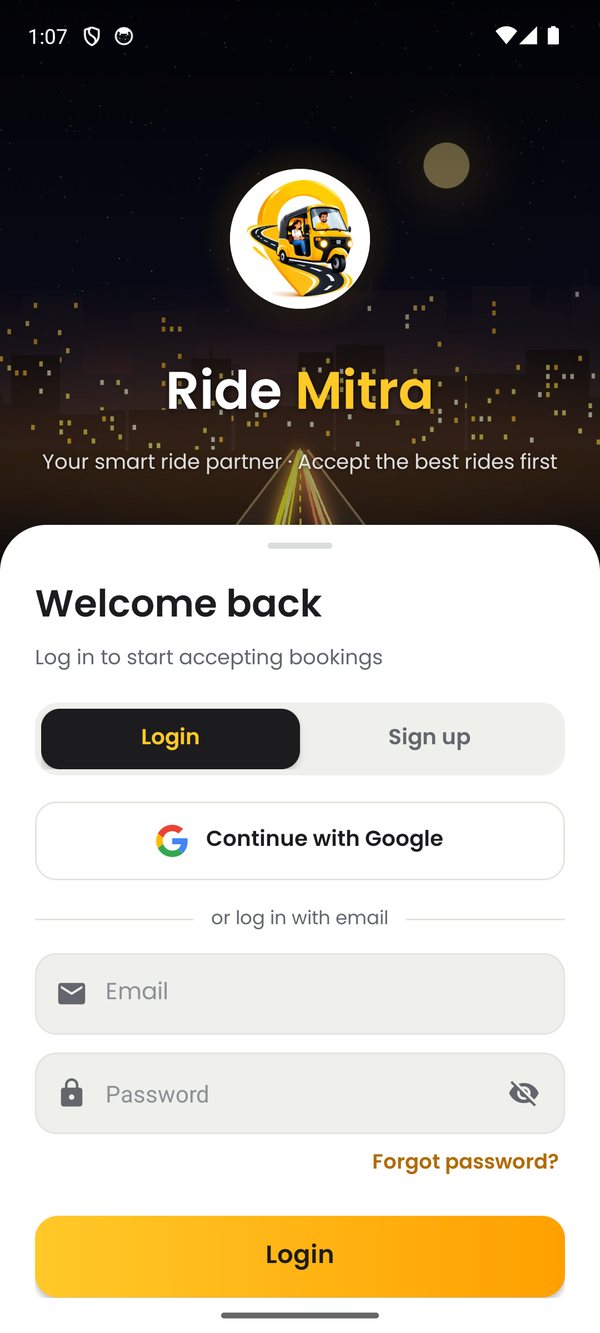
How to install the APK
Ride Mitra is installed directly from this website. Android asks a couple of extra questions the first time. That's normal.
Download
Open this page on your Android phone and tap Download APK. If Chrome warns about the file, tap Download anyway.
Open the file
Tap the downloaded file in the notification, or find RideMitra.apk in your Downloads folder.
Allow this source
If asked, tap Settings → turn on Allow from this source → go back and tap Install.
Open and sign up
Open Ride Mitra, create your account, and follow the on-screen steps. Our setup guide walks you through each one.
Updating the app?
Download the latest APK from this page and install it over the old one. Your account, plan and settings are kept.